
Running out of storage on Android in 2026 is still a special kind of frustration because it breaks everything at once. The camera stops saving photos, updates fail, apps crash, and messaging apps behave strangely. The worst part is that “quick fix” cleaner apps often make it worse by deleting the wrong things, nuking app data you actually needed, or pushing aggressive ads while doing questionable “optimizations.” The safer lifehack is using built-in tools and a predictable process. Storage problems are usually caused by the same three categories: duplicates and near-duplicates (especially photos and downloads), app caches (especially social apps and messengers), and large files you forgot existed (offline videos, long screen recordings, repeated exports, and old installers). The goal is to free space without losing anything important and without breaking apps you rely on daily. That means you identify what’s actually large, clean caches in a controlled way, and move or archive what you don’t need on the device. Then you set a simple monthly check so storage never reaches the emergency zone again.
Duplicates and near-duplicates: clean photos and downloads without deleting originals or losing metadata
Duplicates are the easiest space win, but they’re also where people accidentally delete the wrong version. The lifehack is understanding why duplicates happen and removing them at the source. Duplicates often come from repeated transfers, messenger auto-downloads, and saving the same image from multiple places. Start with photos and videos because they’re usually the biggest chunk. Use your gallery’s built-in “duplicates” or “similar photos” feature if available, and review results carefully. Don’t mass-delete blindly because near-duplicates can include edited versions, higher-resolution originals, or “live” variants. Your safest rule is to keep the highest-quality original and delete obvious repeats. If you have a cloud photo library, confirm which copy is the source of truth before you delete local files. You don’t want to delete the only copy that isn’t backed up. Downloads are the next duplicate hotspot. Downloads folders become junk drawers full of repeated PDFs, images, and installer packages. Sort by size and date, then remove repeated items and old files you no longer need. If you’re unsure, move questionable files into a temporary “Review later” folder instead of deleting immediately. This creates safety because you can recover quickly if you made a mistake. The best duplicate cleanup is slow and intentional once, then lighter monthly. Once you reduce the duplicate pile, your device stays cleaner with less effort.
Cache cleanup that doesn’t break apps: clear safely, control auto-download, and stop messenger storage explosions
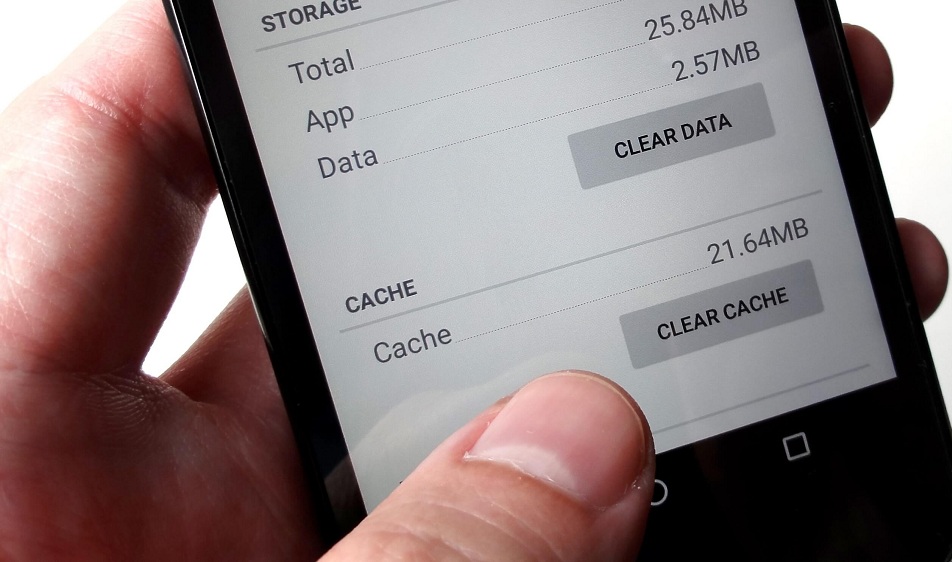
Caches exist for performance, but they also grow endlessly when apps are designed to keep everything “ready.” The lifehack is cleaning cache without deleting your actual app data. Many apps separate cache from data, and clearing cache is typically safe: it removes temporary files without logging you out or deleting your account content. The safest approach is clearing cache for the biggest offenders—social apps, browsers, streaming apps, and messengers—then checking the storage result. Avoid clearing “data” unless you fully understand what you’ll lose, because that can remove offline content, settings, and local databases. Messaging apps deserve special attention because they can quietly store multiple gigabytes of media and duplicates. The best lifehack is controlling auto-download. If your messenger downloads every photo and video automatically, your storage will always drift toward full. Set media auto-download to Wi-Fi only or disable it for large files, and limit how long media is kept locally if the app offers that option. Also review “sent media” and “forwarded media” folders, which often contain repeated exports and duplicates. Browsers are another hidden cache monster. Clearing browser cache can free space, but it can also log you out of sites depending on what you clear. If you want minimal disruption, clear cached images and files while keeping saved passwords and site settings intact. The goal is not to clear everything weekly. The goal is to keep caches from growing without control, especially for apps that rebuild cache instantly. When you combine one-time cache cleanup with better auto-download rules, storage becomes stable rather than constantly leaking away.
Large files and safe habits: find the real storage hogs, move archives off-device, and set a simple monthly check
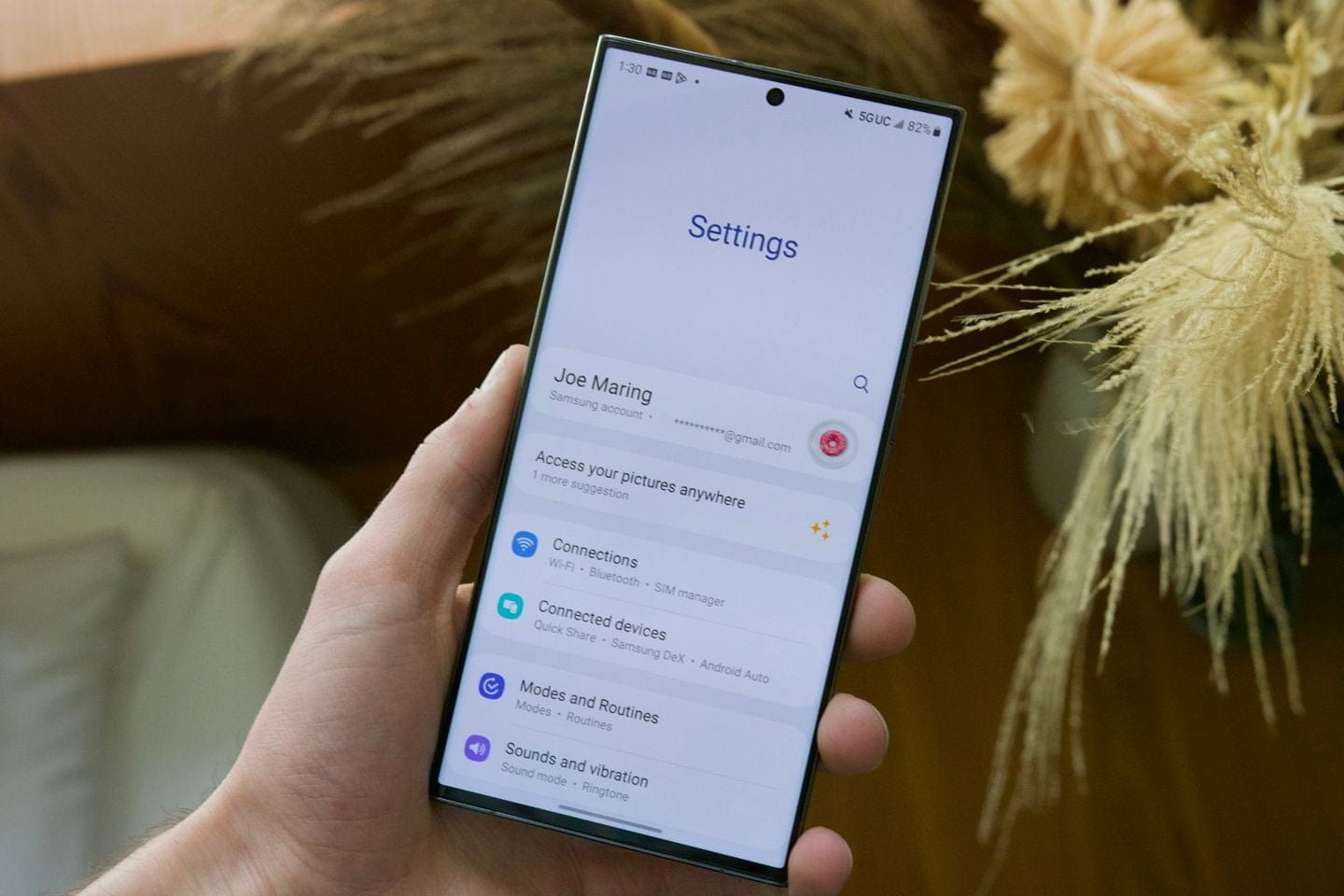
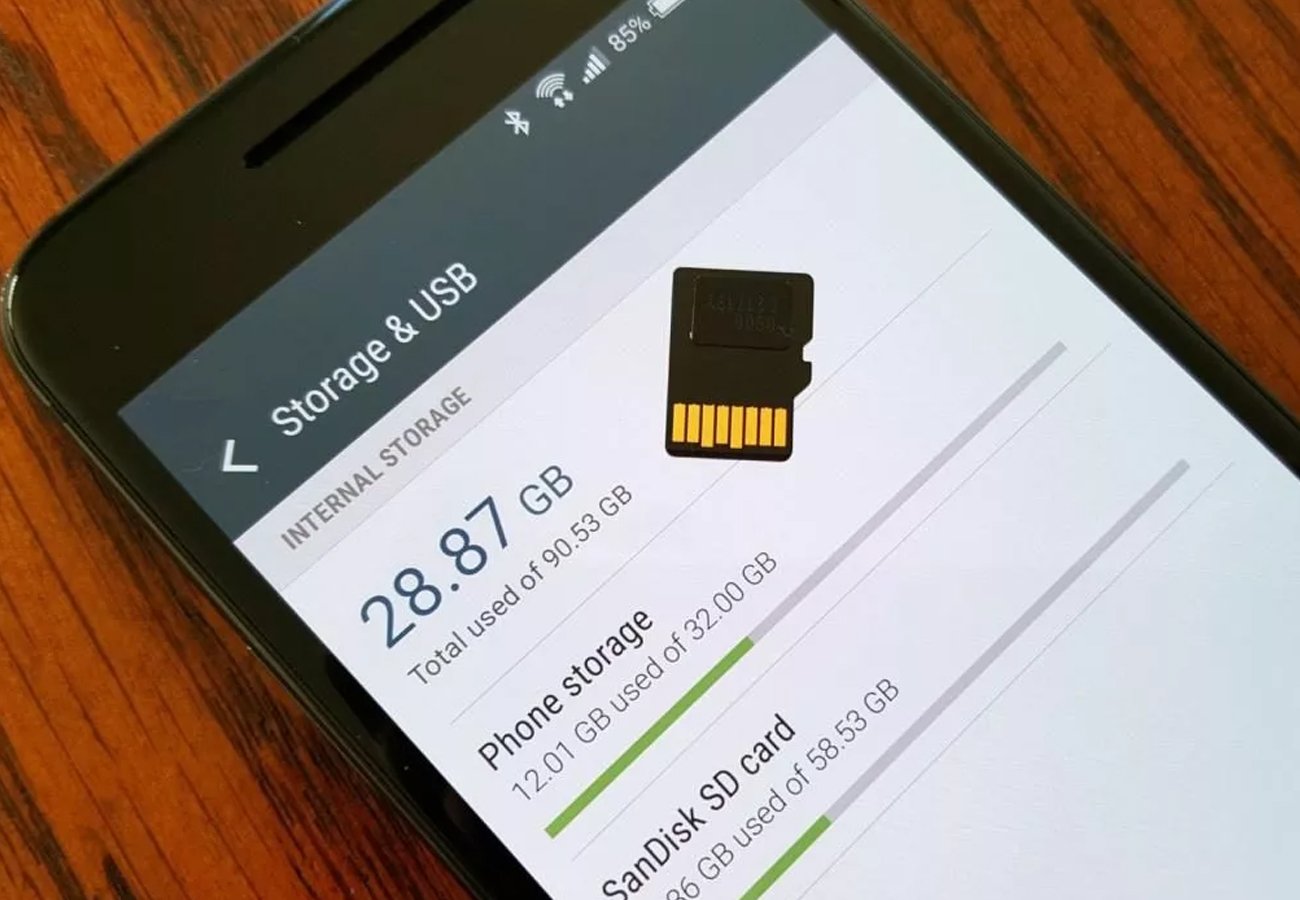
Large files are where you get the biggest wins quickly. The lifehack is using the phone’s built-in storage view to sort by size and find what’s truly huge: long videos, screen recordings, offline movie downloads, repeated exports from editing apps, and forgotten zip archives. These aren’t “mystery” files—they’re usually content you created or saved intentionally and then forgot. Once you find them, decide what belongs on the phone. If you only watch something once, you don’t need it stored offline forever. Delete old offline downloads and re-download later if needed. For recordings and big video folders, move them to a reliable place: a computer, an external drive, or a cloud folder you trust. The safe habit is verifying that the moved file plays correctly on the destination before deleting it from the phone. This prevents the classic mistake of deleting the only working copy after a bad transfer. Another habit that keeps storage healthy is managing your camera output settings. High-resolution video and high-bitrate capture eat space fast. You don’t need to downgrade quality drastically, but be aware that a single long 4K clip can consume a huge chunk of storage. If you’re constantly close to full, consider adjusting video settings for everyday clips and reserving maximum quality for moments that truly need it. Finally, set a monthly check that takes five minutes: review the largest apps, check downloads, look for new big recordings, and confirm your photo backup is working. This small routine prevents emergency cleanups and removes the temptation to install risky cleaner apps. In 2026, safe storage management on Android is about visibility and control: remove duplicates carefully, manage caches deliberately, and hunt large files with a repeatable habit so you free space without losing anything important.